Configure Skills
Skills are capability extension packs for Claude Code, giving Claude domain-specific expertise, workflows, and toolchains. Installing a Skill adds a new ability to Claude.
Installing Skills
Install via /plugin (Recommended)
Type /plugin in Claude Code to open the plugin manager. The built-in Marketplace draws from the official Anthropic Skills repo for direct browsing, installation, and management.
/plugin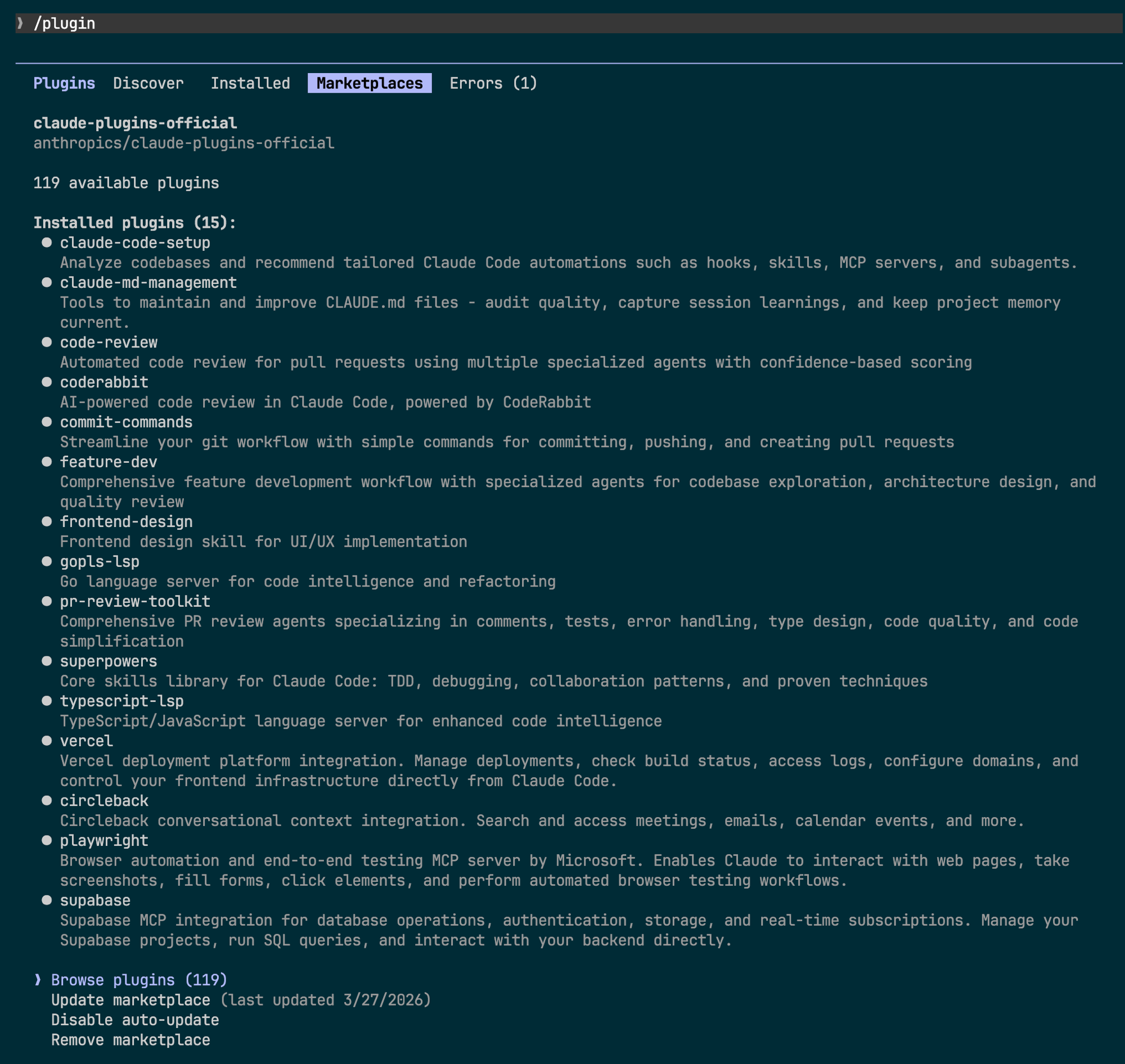
Search and install with one click in the Discover tab.
Install via CLI
You can also install a specific Skill from the command line:
claude install <skill-name>Skills Stores
Besides the built-in Marketplace, there are notable third-party Skills platforms.
Skills.sh
An open Agent Skills ecosystem with one-command search and install:
npx skills find <query>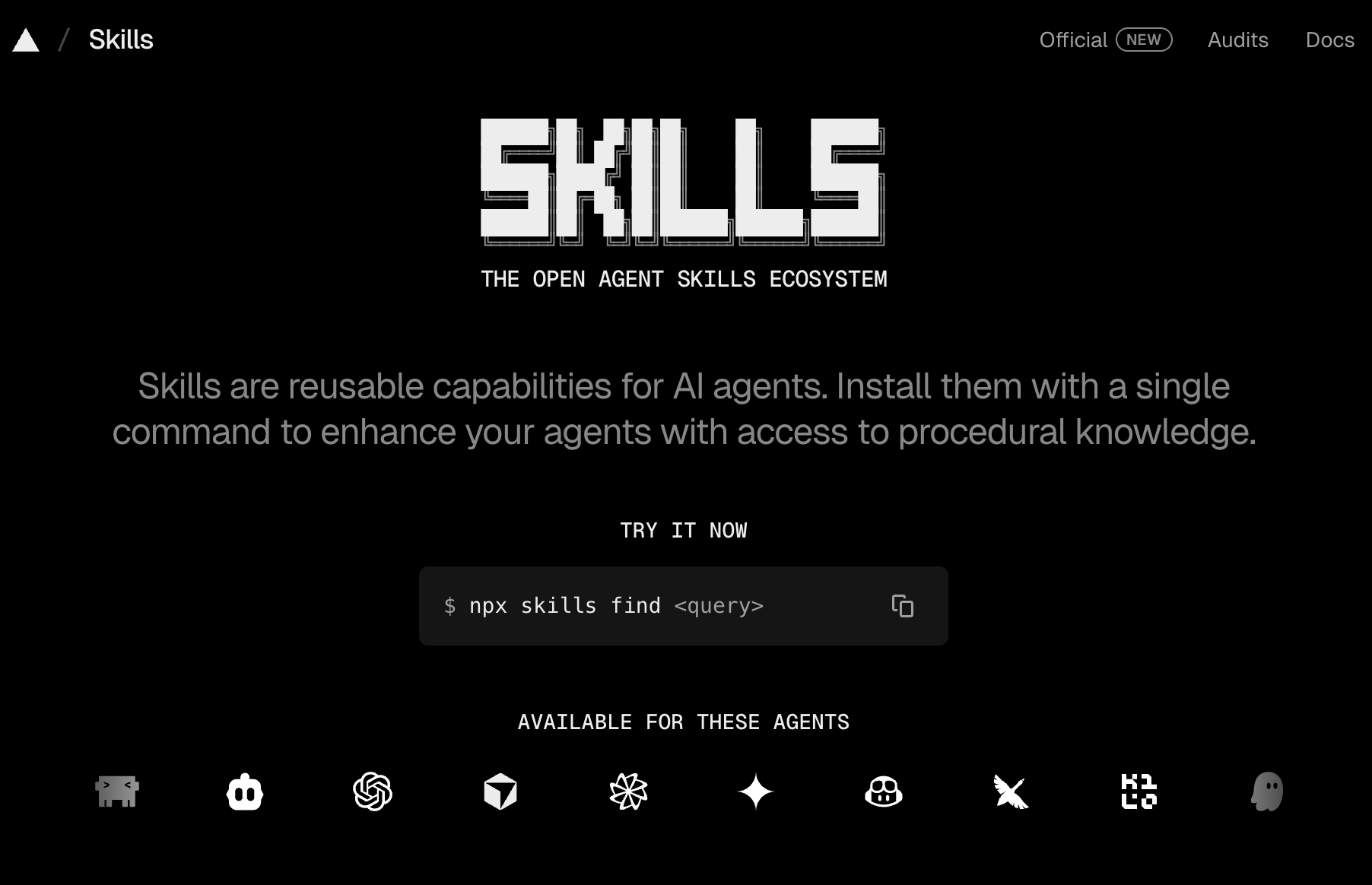
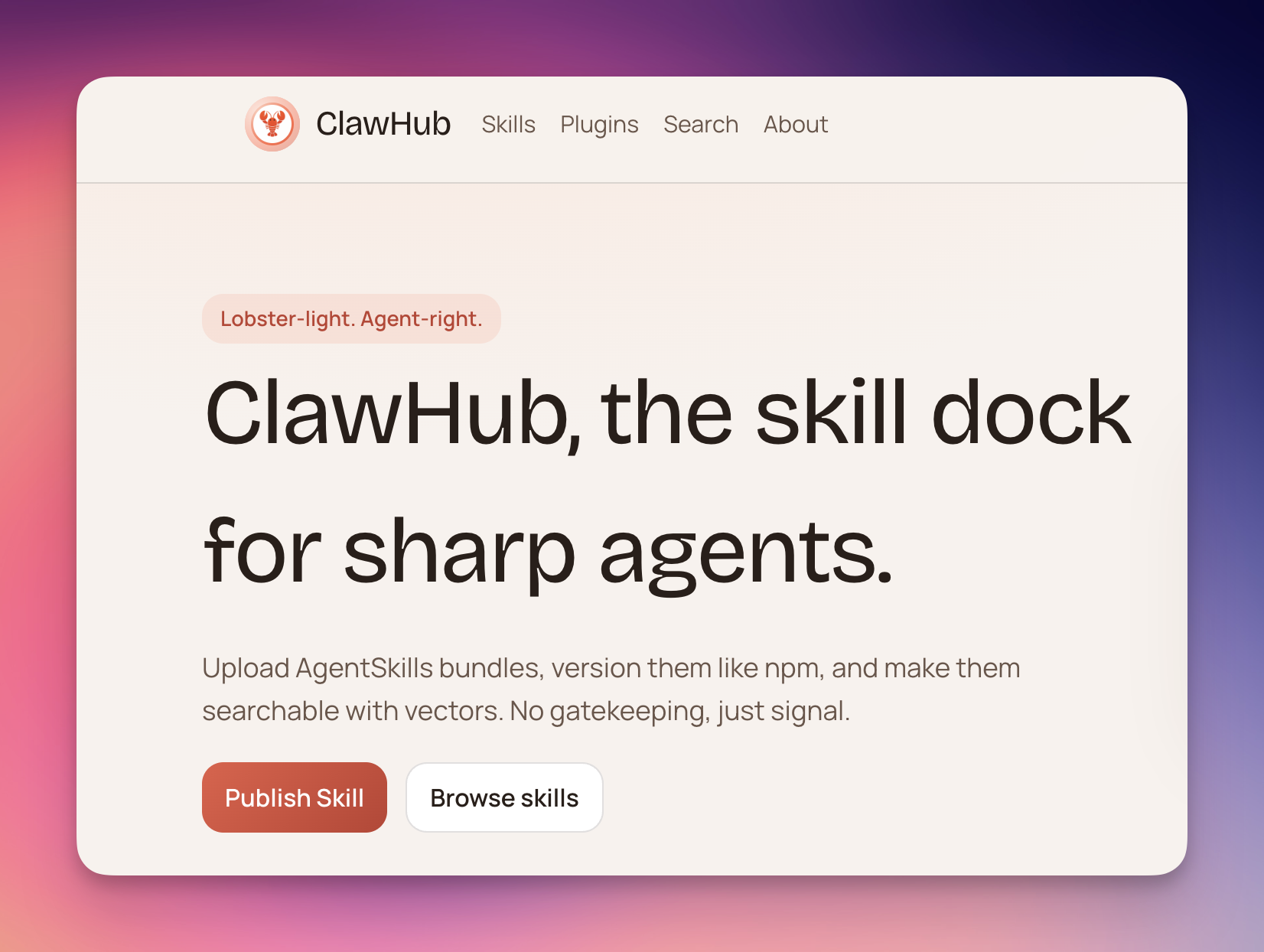
ClawHub
Community-driven Skills platform with version management and semantic search.
Project-level Skills: CLAUDE.md
Create a CLAUDE.md file in the project root. Claude Code automatically loads it at startup as project-level context.
# 项目规范

## 技术栈
- Next.js 16 + TypeScript
- Tailwind CSS v4
- pnpm 作为包管理器

## 编码约定
- 组件使用 PascalCase 命名
- 优先使用 Server Components
- 测试覆盖率不低于 80%